Print files

A print-ready file gets into production faster

Here you’ll find everything you need to prepare your print file. A file that meets the requirements goes straight to print.

  • 1:1scale, over 500 cm → 1:10
  • CMYKISO Coated v2 or FOGRA 39
  • 0 mmbleed and seam allowance, we add them
  • PDF/X-1avector; raster: flattened TIF or JPG 100%
  • TextFonts and lines converted to outlines, linked files embedded.

01 · Print templates

Request a print template

We send you the product’s print template with the correct size and marked areas. Open the template in your design software, place your artwork, remove the guide layer and save the file to the requirements.

  • Product size = file size
  • Safe area: text and logos must stay inside it
  • Pole pocket, eyelets or fixings: place only background here
Size or dimensions (optional)

02 · Requirements

Vector and raster files

Logos, text, graphics

Vector files

  1. Scale 1:1If the file exceeds 500 cm in any direction, use a scale of 1:10.
  2. Colours CMYKICC profile ISO Coated v2 or FOGRA 39. Give Pantone colours as reference only.
  3. Fonts and lines outlinedFonts and strokes are converted to outlines.
  4. Linked images embeddedAll linked elements are embedded in the file.
  5. Format PDF/X-1a:2001One page = one design. Send several designs as separate files.
  6. Transparency or layer effects?Then save the design as a raster file.
  7. Bleed and seam allowanceDon’t add them. We allow for seams and finishing ourselves.

Photos and images

Raster files

  1. Scale 1:1
  2. Colours CMYKICC profile ISO Coated v2 or FOGRA 39. Photos can stay RGB (Adobe RGB 1998 or sRGB).
  3. Format: flattened TIFNo layers. JPG works at 100% quality.
  4. Resolution to suit viewing distanceSee the guide below.
  5. Bleed and seam allowanceDon’t add them. We allow for seams and finishing ourselves.

03 · No bleed

File size = finished product size

Don’t add bleed or seam allowance to the file. Make the file exactly the visible size of the product. We allow for seams and finishing in production.

Correct. The file is 300 × 200 cm, exactly like the finished product.
Wrong. Added bleed changes the product size and the design shifts.

04 · Resolution

The further away it's viewed, the lower the resolution needed

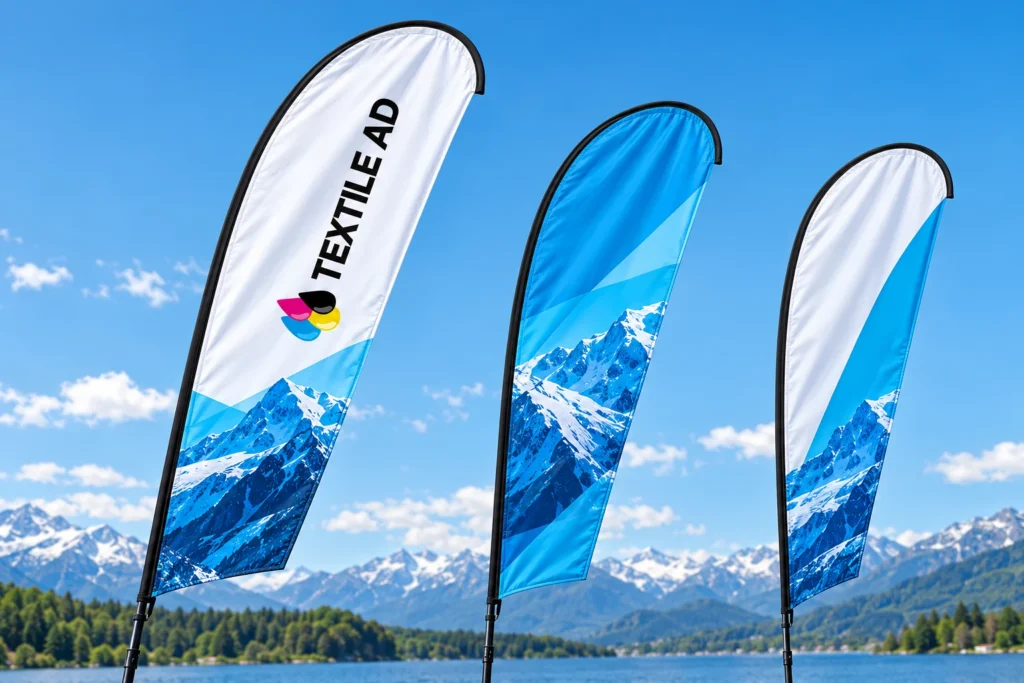
Sinivalge kujundusega rannalipud sinise taeva taustal

~150 dpi

Viewed from afar

Flags, beach flags, banners, large outdoor advertising.
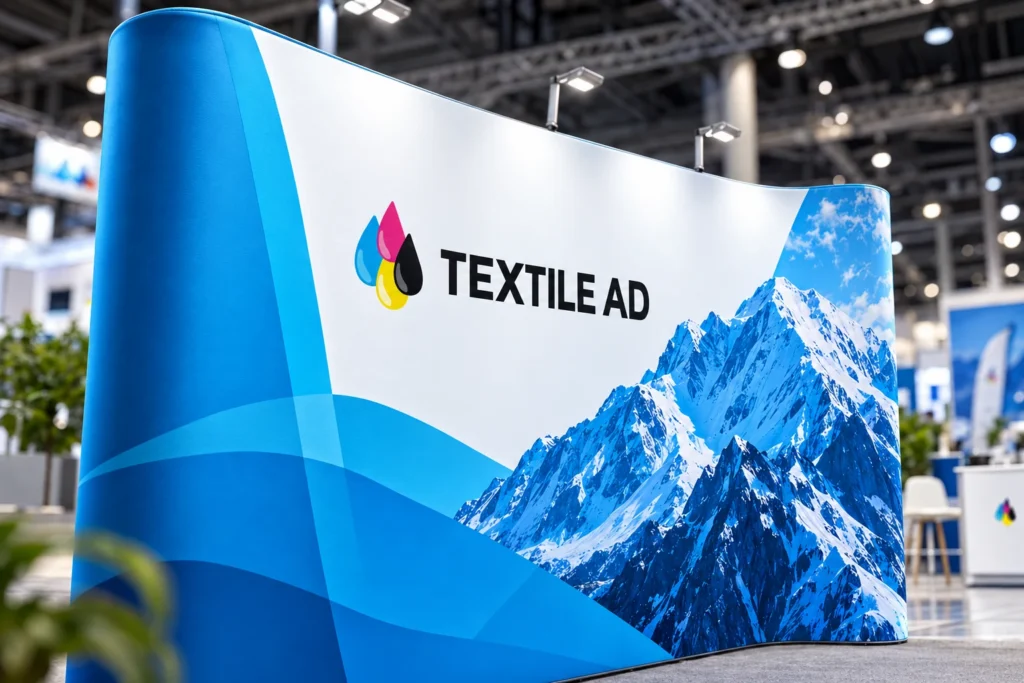
Sinivalge mäegraafikaga fotoseina trükikangas lähivaates

250–300 dpi

Viewed up close

Photos, exhibition walls, lightboxes, interiors.

Illustrative images

05 · Files

Not sure? Send us your file and we'll check it.

Vector
PDF · AI (CC) · CDR (X8) · EPS
Raster
PSD (CC) · TIF · PNG · JPG

Give the required dimensions and colours in your enquiry. Otherwise we use the dimensions and colours in the file.

06 · File check

File check and correction

If you don’t order a file check separately, we treat the file you send as print-ready and print it as it is.

File check and correction€20 + VAT / file

Need design work? Choose “I need design help” in the enquiry form.

07 · Sending

How to send your file

  1. In the enquiry formAttach the file directly to the product, up to 100 MB per file.
  2. Large filesBy WeTransfer to info@textilead.ee. Include your enquiry number.
  3. Small files by emailUp to 5 MB: info@textilead.ee.

Checklist before sending

File ready? Send an enquiry

Choose a product, add your file and see straight away whether we can meet your date.